Find the frame you remember
Search in words, choose a reference photo or find photos similar to one in your library. Adjust relevance, filters and sorting without leaving your results.
Remote Access for Mac · iPhone & iPad coming soon
Nevervault Remote brings your archive to your iPhone and iPad. Another Mac can connect using Nevervault’s client tab. Your host Mac does the searching, so your library stays where you keep it.
Remote Access is included in Nevervault 1.8.11 or later for Mac. The free iPhone/iPad companion, Nevervault Remote, has been submitted for App Store review and is coming soon. Initial iOS availability will exclude EU countries.
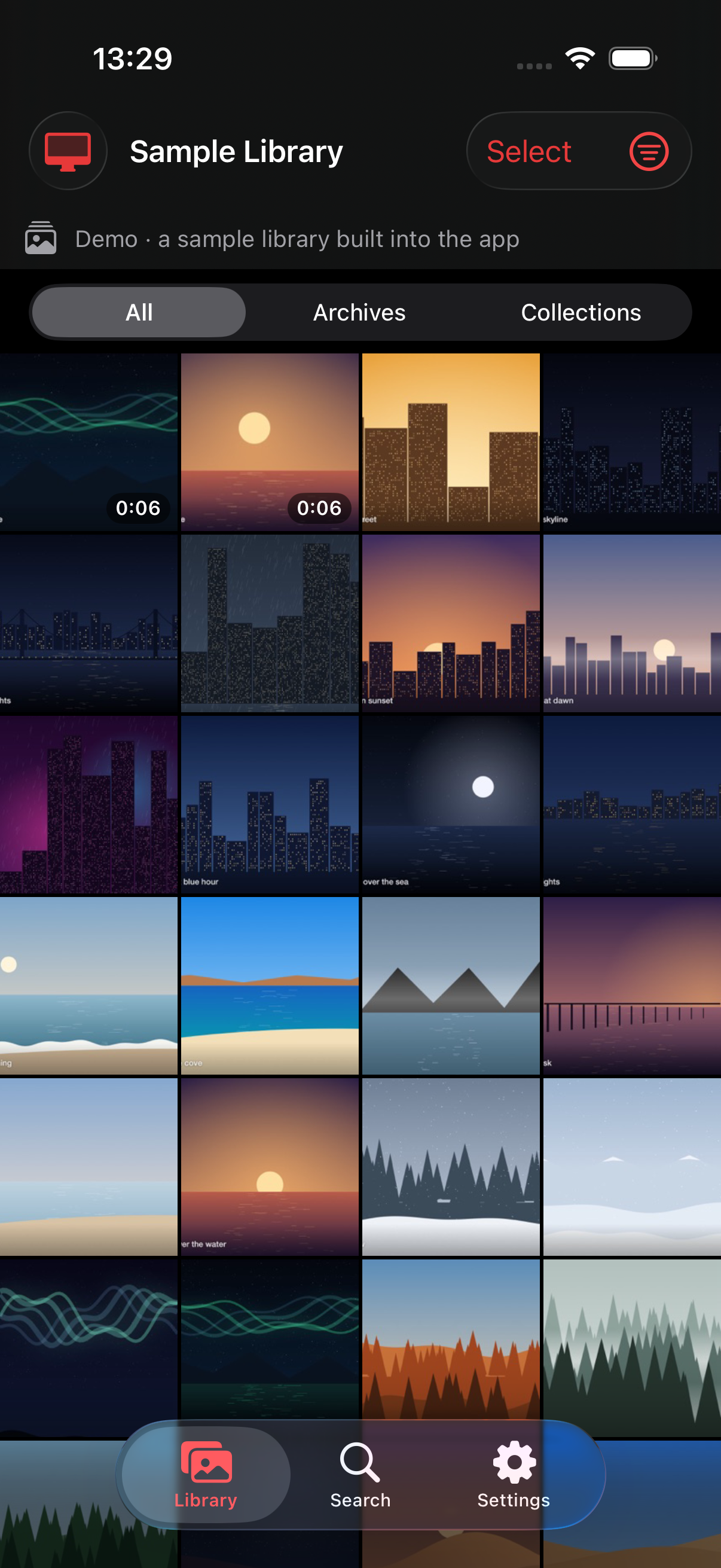
Search in words, choose a reference photo or find photos similar to one in your library. Adjust relevance, filters and sorting without leaving your results.
Browse drives, folders and collections on the host Mac. Cached previews stay available during a temporary disconnection; originals need their source drive to be connected.
Play supported videos using a local playback cache. Your Mac can prepare a compatible playback copy for supported formats your device cannot decode. Save a copy without changing the original.
View collections and, when the host grants permission and its plan allows it, create and edit them. Library changes arrive without closing the viewer or resetting your place.
01 · Set up your Mac
The host needs Apple silicon, macOS 14 or later and Nevervault 1.8.11 or later. Enable Remote Access and keep Nevervault running. Source drives and NAS shares must be connected for uncached media.
02 · Pair with approval
Pair on the same Wi-Fi using the host’s invite, or ask the host for an internet invite. The host approves access and chooses whether that device may edit collections. Remove a device’s access from the host at any time.
03 · Browse from anywhere
Your client connects directly on the local network or uses the internet relay when away. iPhone and iPad require iOS/iPadOS 17 or later. Try the companion’s built-in sample library before pairing.
Remote Access is available on Free and Pro. There is no separate companion subscription. Search allowances, Pro features and collection permissions come from the host Mac, not a purchase on your phone.
| Internet relay | Free | Pro |
|---|---|---|
| Daily active time | 30 minutes per Mac | 10 hours per licence |
| Daily message cap | 200,000 | 1,500,000 per licence |
Pro’s relay budget is shared by its registered Macs, up to two per licence. Daily relay limits reset at UTC midnight. Reaching a relay limit leaves local-network access available. Free search limits also apply when searching from a client.
Compare Free and Pro →Indexing and search run on your Mac. Remote requests and library content are end-to-end encrypted between the host and its clients. Our relay cannot read photos, videos or search queries, and does not store your media.
Our services retain access identifiers, pairing metadata and usage counters for authentication, revocation, quotas and abuse prevention. Your clients cache previews and playback copies locally. We do not use these records for advertising or tracking.
Read the privacy policy →